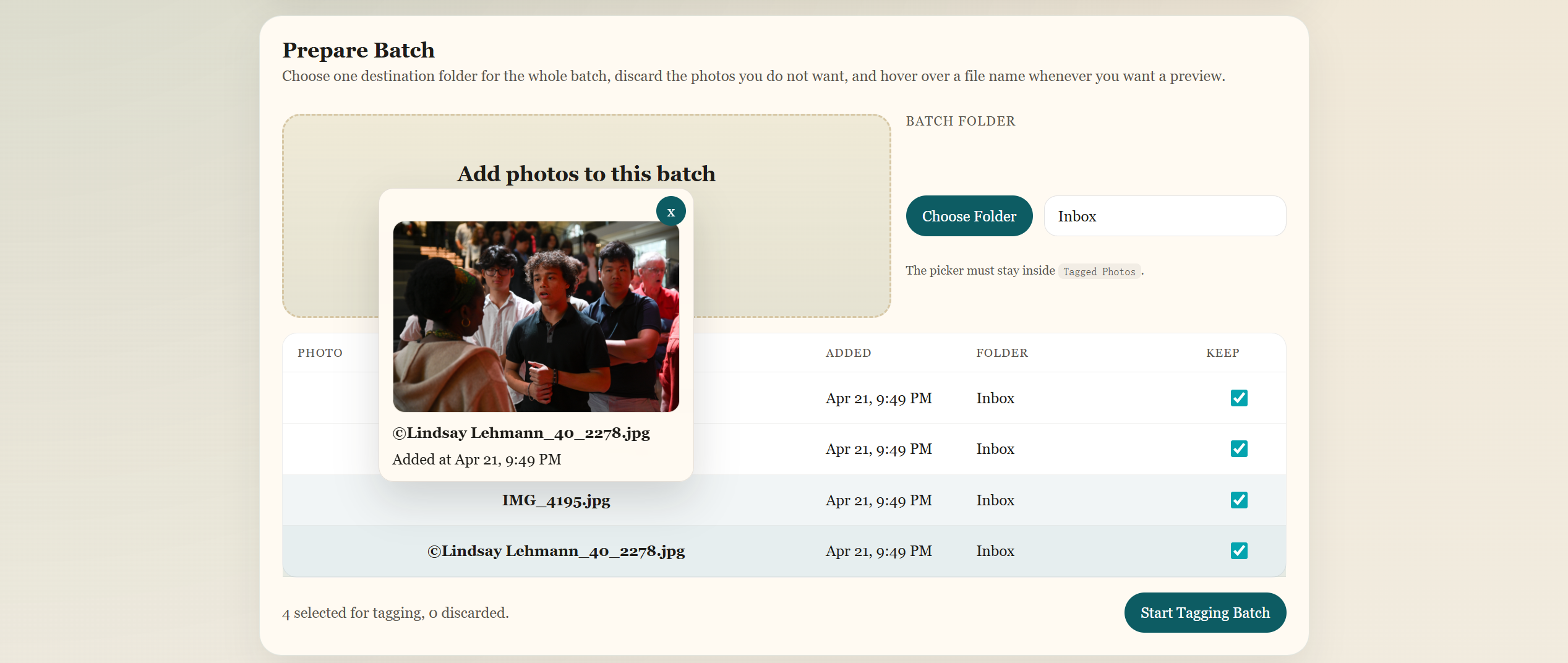
Upload and tag
The web UI makes it easy to upload large batches of photos, preview what is being processed, and choose the output folder for tagged results.
Yearbook tagging, refined.
Student Tagger helps yearbook teams identify student faces across photoshoots, events, and candid moments so every photo can be organized with less manual searching.
Recognition
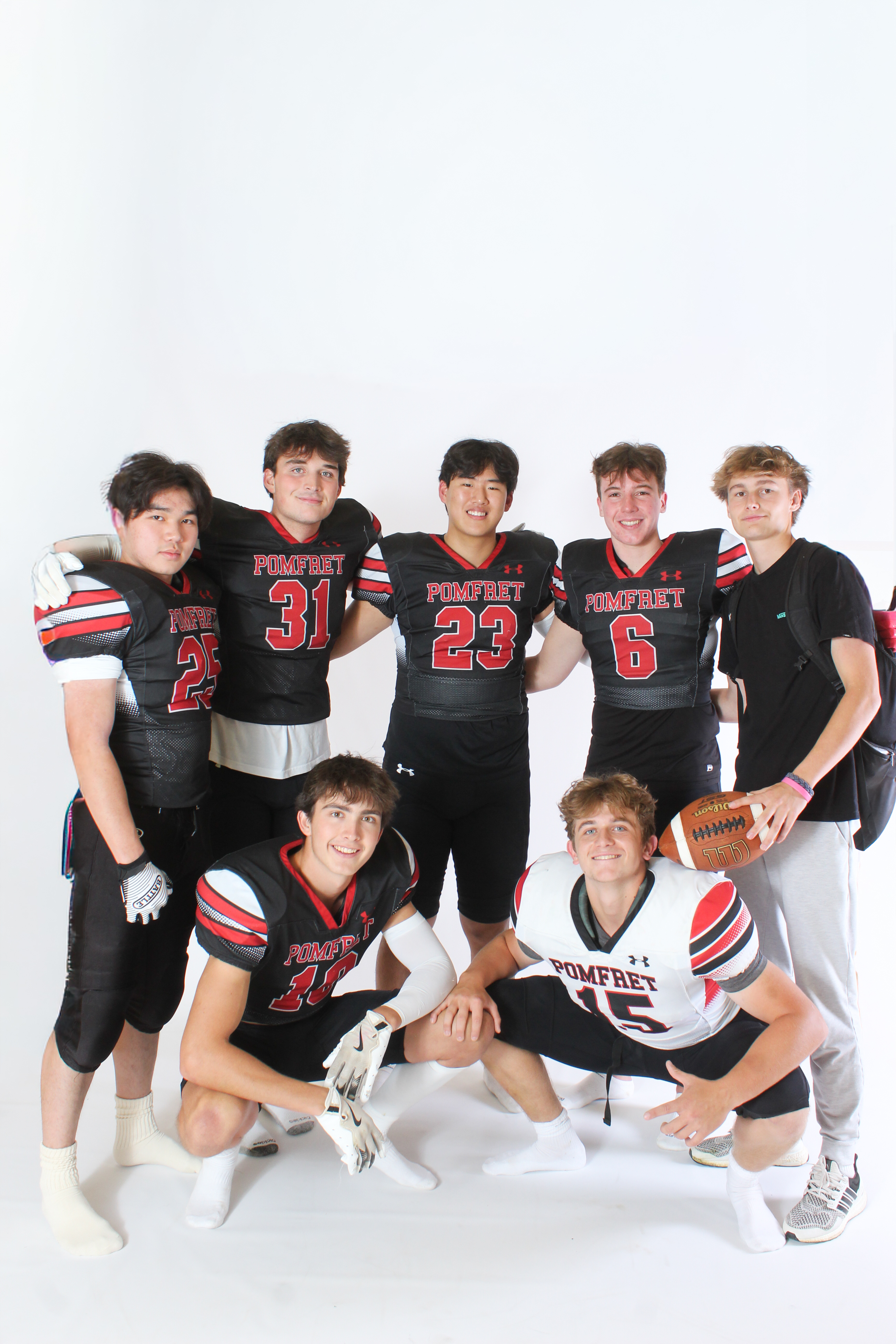
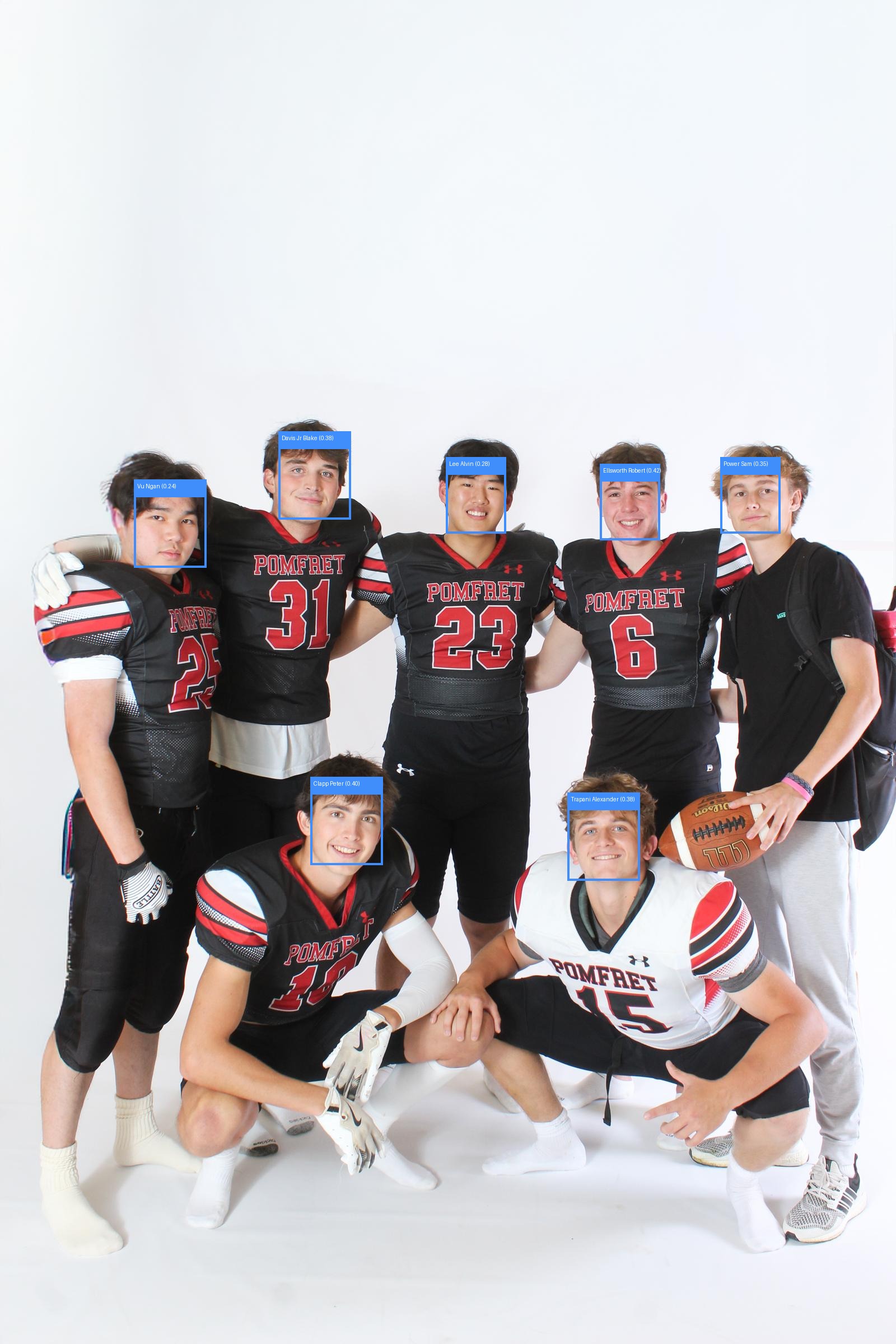
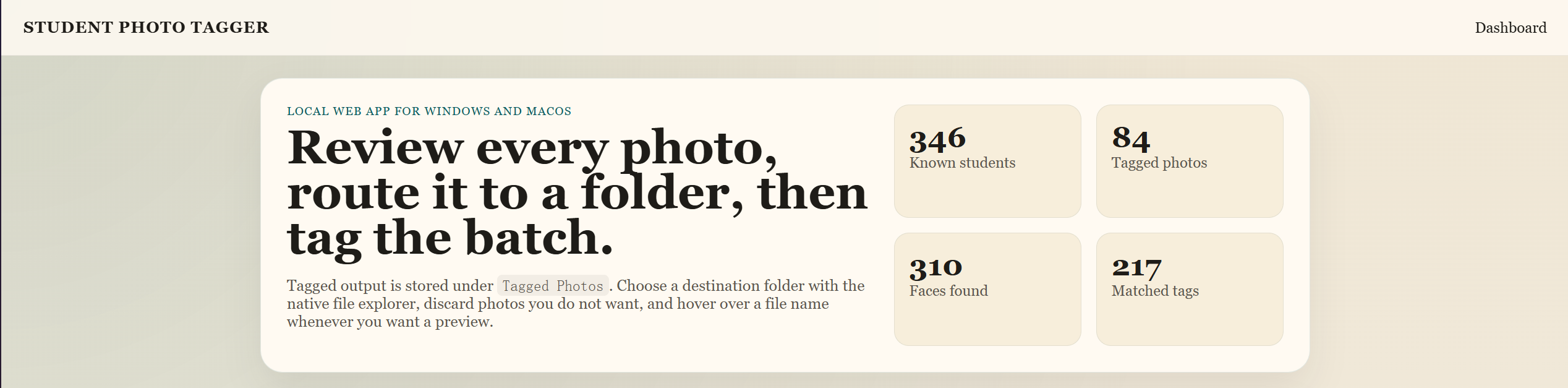
Student Tagger is designed for yearbook workflows, saving editors time with a friendly UI that makes student tagging clear, simple, and easy to review.
The web UI makes it easy to upload large batches of photos, preview what is being processed, and choose the output folder for tagged results.
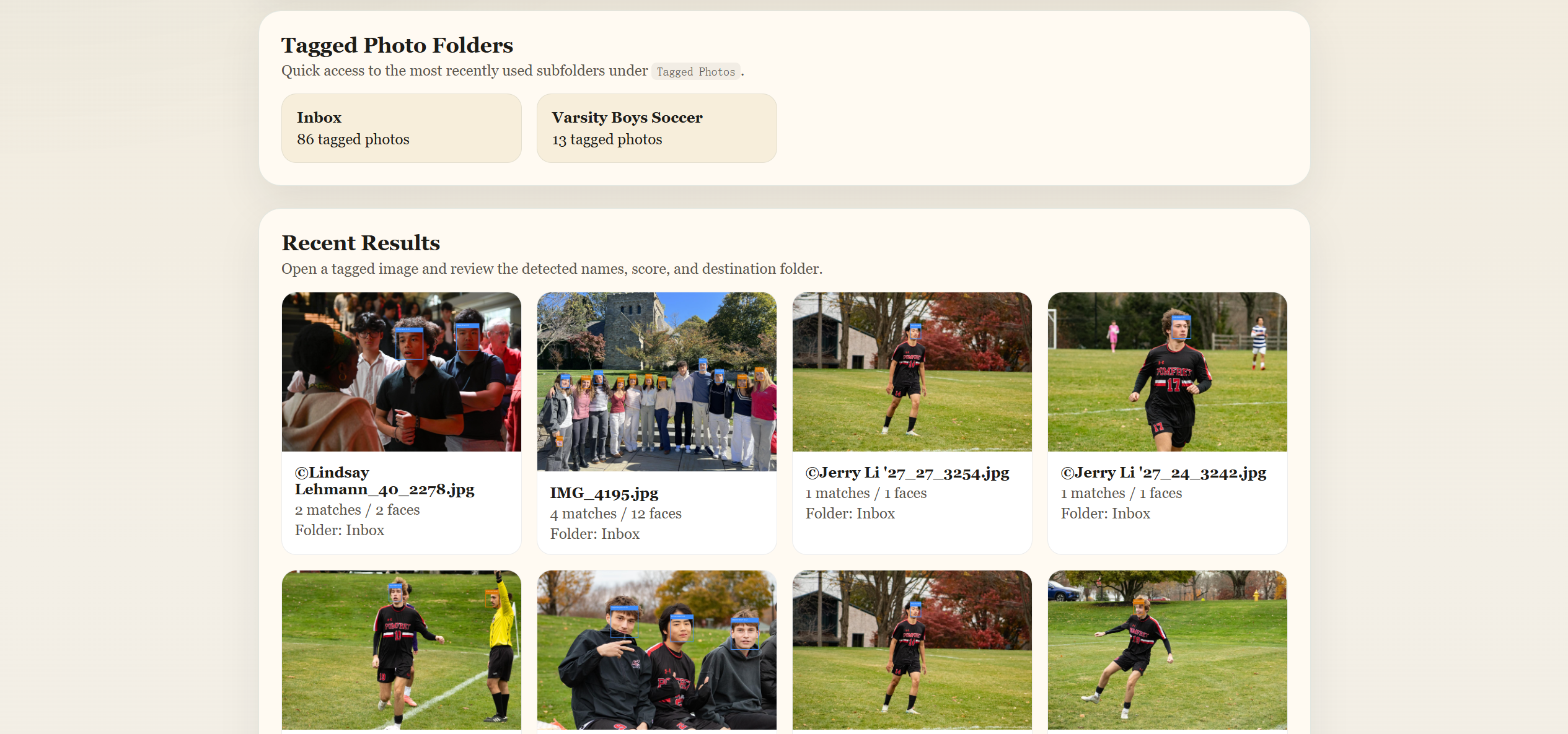
Output management
The results are listed and sorted into folders, making every tagged batch easy to review and organize.
The output folders are easy to access, so yearbook editors can quickly find the photos they need after processing.
Code
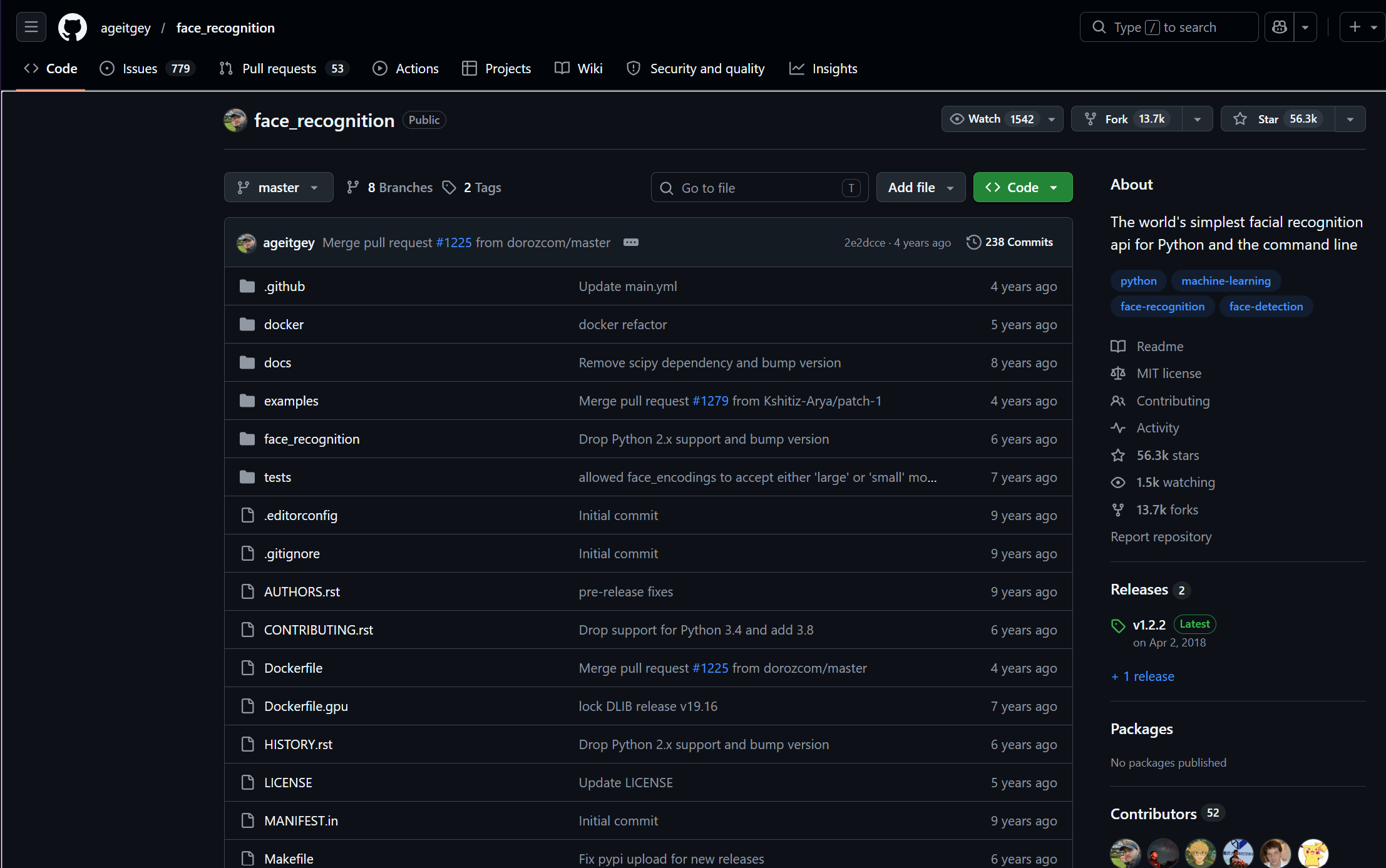
Student Tagger uses Python in the backend with a face recognition repository handling the recognition logic, while the frontend is built with HTML to keep the interface clear and easy to use.
Next steps
Student Tagger already shows the main idea, but there are important improvements that can make it more accurate and useful for yearbook teams.
Refine the recognition process so the app can identify students more reliably across different lighting, angles, expressions, and photo quality. Right now, recognized faces are based on one directory photo for each student, so there is room to improve.
Add tools like recognizing any face on the user's screen, making Student Tagger useful beyond uploaded photo batches.
Record how many photos each student appears in and automatically recommend strong photo options for each student.
Move Student Tagger online so photo data can be shared with the whole yearbook group and connected to the yearbook website.
Coming soon
Student Tagger will be available soon as packaged desktop versions for macOS and Windows, with no prerequisites needed and quick access for everyone on the yearbook team.